Before delving into the numbers, it’s crucial to set up your Real Estate Market Overviews on AreaPro. This section is the foundation of your market analysis, allowing you to define and analyze geographical areas tailored to your needs.
Configuring Areas #
Grouping by Counties #
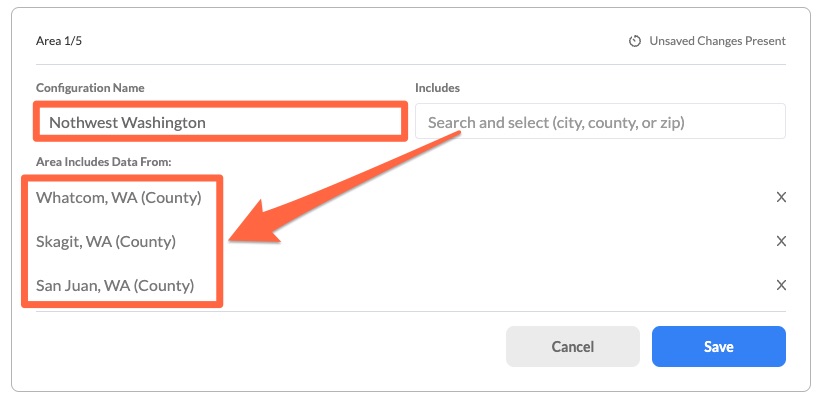
Here you have the opportunity to combine several counties to form a custom region. This feature is useful when you’re operating across multiple counties or when you want to analyze a larger area. For instance, by grouping Whatcom, Skagit, and San Juan, you could define a region named “Northwest Washington,” allowing for a broader market analysis.
Grouping by Zip Codes #
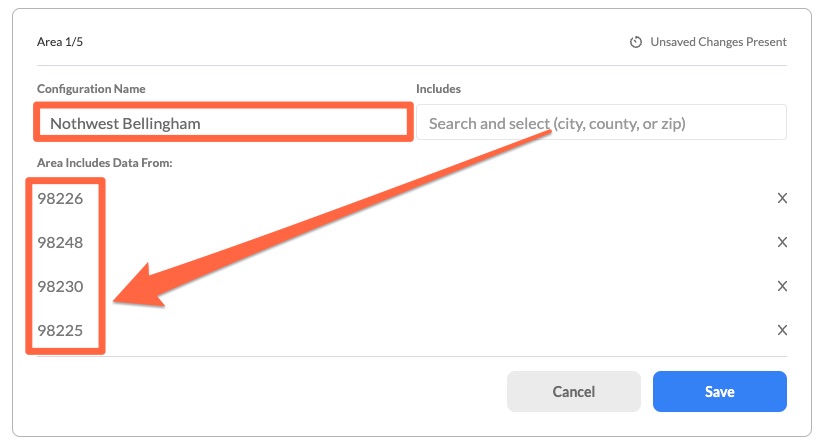
If you prefer a more granular approach, defining areas using zip codes is the way to go. For example, bundling 98226, 98248, 98230 and 98225 might represent a specific region like “Northwest Bellingham,” providing a more localized market insight.
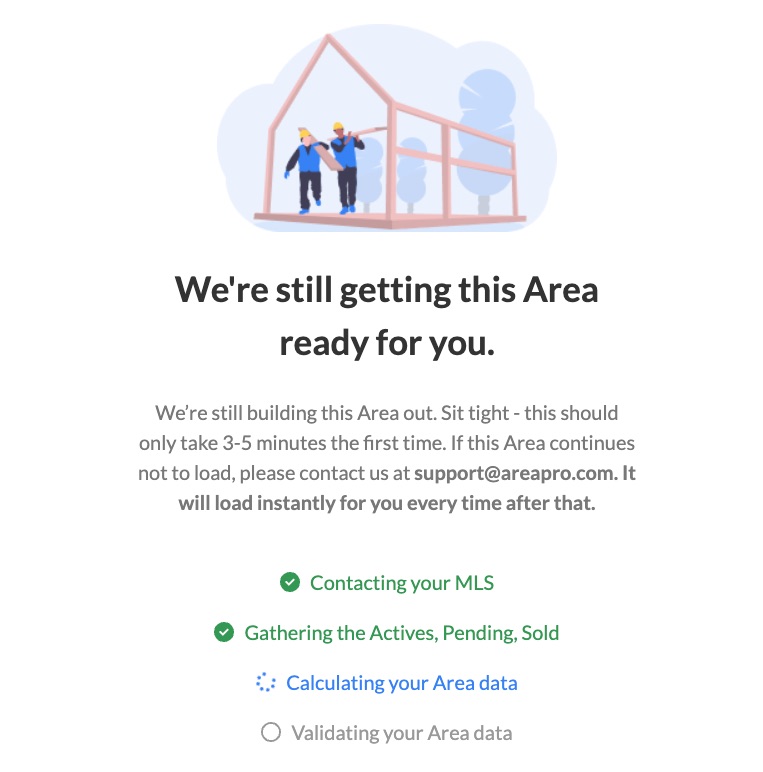
NOTE: Initial Load Time for New Areas: The first time you define an area in AreaPro, the system needs a few minutes (usually 3-4) to aggregate all the necessary data. Once the initial setup is done, any subsequent access to this area will be instantaneous, allowing for a smooth user experience.